
Is VR Future of Education? A Comprehensive Guide
Imagine a 16‑year‑old named Maya who loves science but gets bored when the teacher shows a flat diagram of the solar system. She sighs, looks out the window, and wishes she could fly past the planets. Now picture her class…
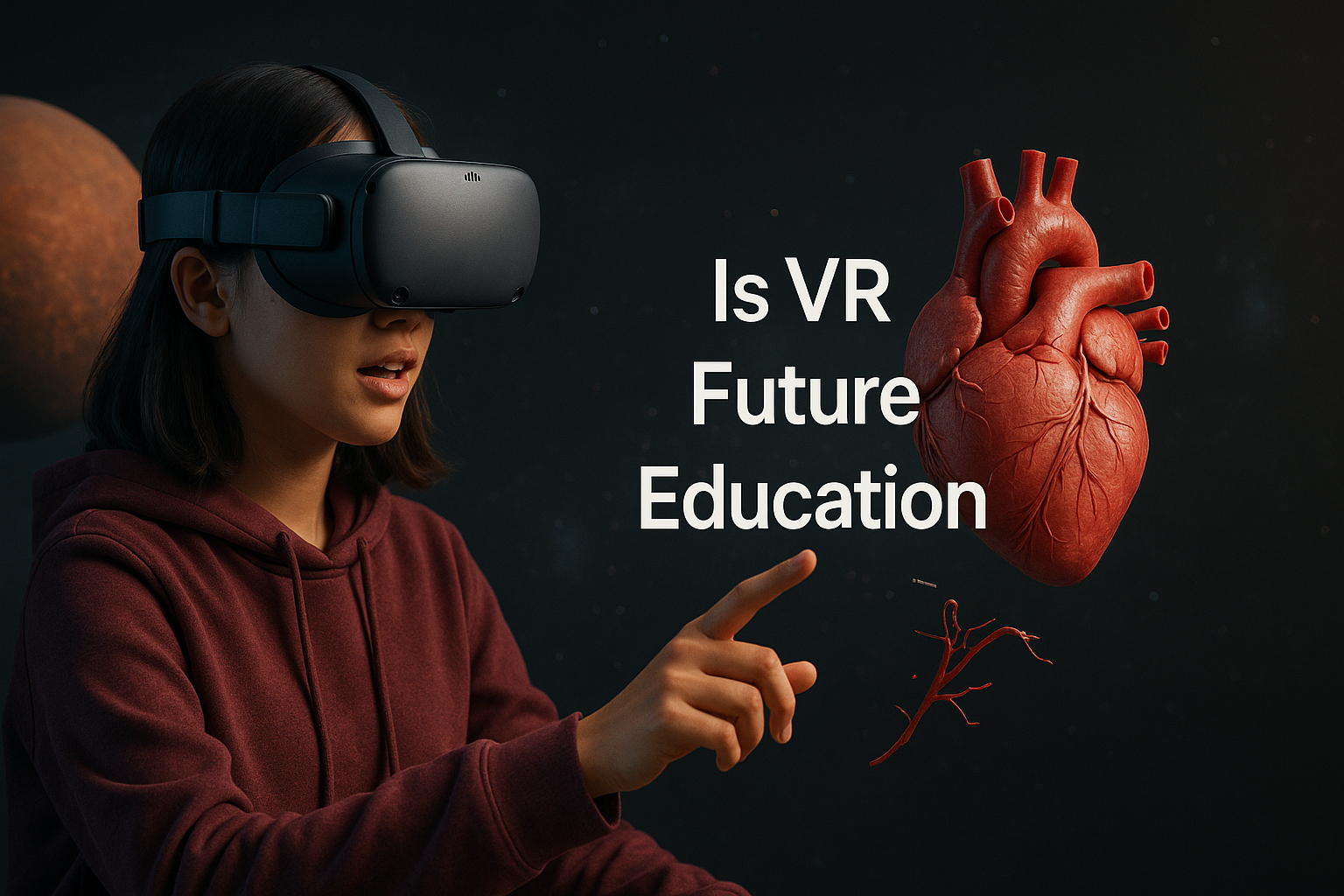
Imagine a 16‑year‑old named Maya who loves science but gets bored when the teacher shows a flat diagram of the solar system. She sighs, looks out the window, and wishes she could fly past the planets. Now picture her class wearing lightweight VR headsets. In seconds, she’s soaring past Mars, feeling the red dust swirl, and then diving into a 3‑D model of a human heart that beats right in front of her eyes. She asks questions, points at the parts, and her classmates can see her annotations in real time. That moment turns a dull lesson into an adventure she’ll remember for years. This is the power behind the question many educators ask: Is VR the future of education?
Teachers across the globe are testing VR to see if it can make lessons stick. Schools in Cincinnati, London, and Tokyo report higher test scores after a few weeks of VR use. Parents notice their kids talk about class at dinner, not just after homework. And students who once drifted off now raise their hands, eager to try the next virtual lab. If you’re a college student, a high‑school teacher, or a young adult looking to upskill, you’re probably wondering how to jump in without breaking the bank or losing control of the classroom.
In this guide, we’ll walk through the real ways VR changes learning, the tools you can use, how it stacks up against old‑school methods, step‑by‑step steps to add it to your syllabus, the costs you’ll face, and the trends that will shape the next decade. By the end, you’ll have a clear answer to Is VR the Future of Education and a plan you can start using today.
Ready to see if VR can fit into your world? Let’s dive in.
How VR Enhances Learning Experiences
When you ask Is VR the Future of Education, the first thing to look at is how it changes what students feel and do. VR drops students into a world where they can touch, move, and hear the lesson. That feeling of “being there” makes the brain work harder to store the info.
Research from ClassVR shows that students who use VR keep up to 75% more of what they learn. The reason? Their senses all focus on one scene, so there’s less distraction. At Nagel Middle School, 7th‑grade science students built a virtual city that used solar panels and wind turbines. They could see the power levels change in real time, and their test scores rose by 12%.
Another study from Takeaway Reality reports that VR improves learning speed by up to four times. Imagine a nursing student practicing a heart surgery drill in VR. They repeat the steps until they feel confident, then they go to the real lab. This hands‑on practice builds confidence and cuts mistakes.
Why does this matter? Because engagement leads to retention. When students feel part of a story, they recall the facts later. VR also helps students who struggle with abstract ideas. A teacher at Allfarthing Primary used a VR tour of world festivals to teach cultural studies. Kids walked through a virtual Diwali street, hearing chants and seeing lights. Their essays showed deeper insight than those written after a textbook lesson.
How can you use this?
- Pick a lesson that benefits from visual depth—like anatomy, space, or history.
- Find a VR module that matches your curriculum standards.
- Run a short pilot with a small group, gather feedback, then expand.
VR also builds soft skills. In a group project, students can meet inside a virtual lab, share a 3‑D model, and discuss solutions. This boosts teamwork and empathy because they see each other’s avatars and reactions.
Key VR Tools and Platforms for Educators
Answering Is VR the Future of Education means knowing the tools that actually work in schools. Not every headset is built for a classroom, and not every app aligns with standards.
One popular choice is the ClassVR system. It bundles headsets, a teacher dashboard, and a library of lesson‑ready experiences. Teachers can launch a VR scene with one click and see a live view of each student’s activity. This helps keep class management tight.
Another option is Meta Quest 2, a standalone headset that runs many education apps. Because it doesn’t need a PC, it’s cheap to set up. Apps like “Human Anatomy VR” let students walk inside a beating heart, while “Titanic VR” lets them explore a historic ship.
For coding and creation, platforms like Unity Learn offer free tutorials to build simple VR scenes. This can be a project for computer‑science classes, letting students design their own simulations.
When you pick a tool, consider these points:
- Ease of use: Can the teacher launch it without a tech team?
- Content library: Does it have lessons that match your subjects?
- Safety & comfort: Are the headsets lightweight, and do they have a hygiene plan?
Here’s a quick checklist to help you decide:
- Make a list of subjects you want to boost with VR.
- Match each subject to a VR app that covers the key standards.
- Test the headset with a small group of students for comfort.
And don’t forget to explore the free resources on ClassVR’s website for lesson ideas and teacher guides.
Finally, keep an eye on emerging tools like zSpace and Labster, which focus on science labs. They may cost more, but they give you lab‑grade simulations that replace expensive equipment.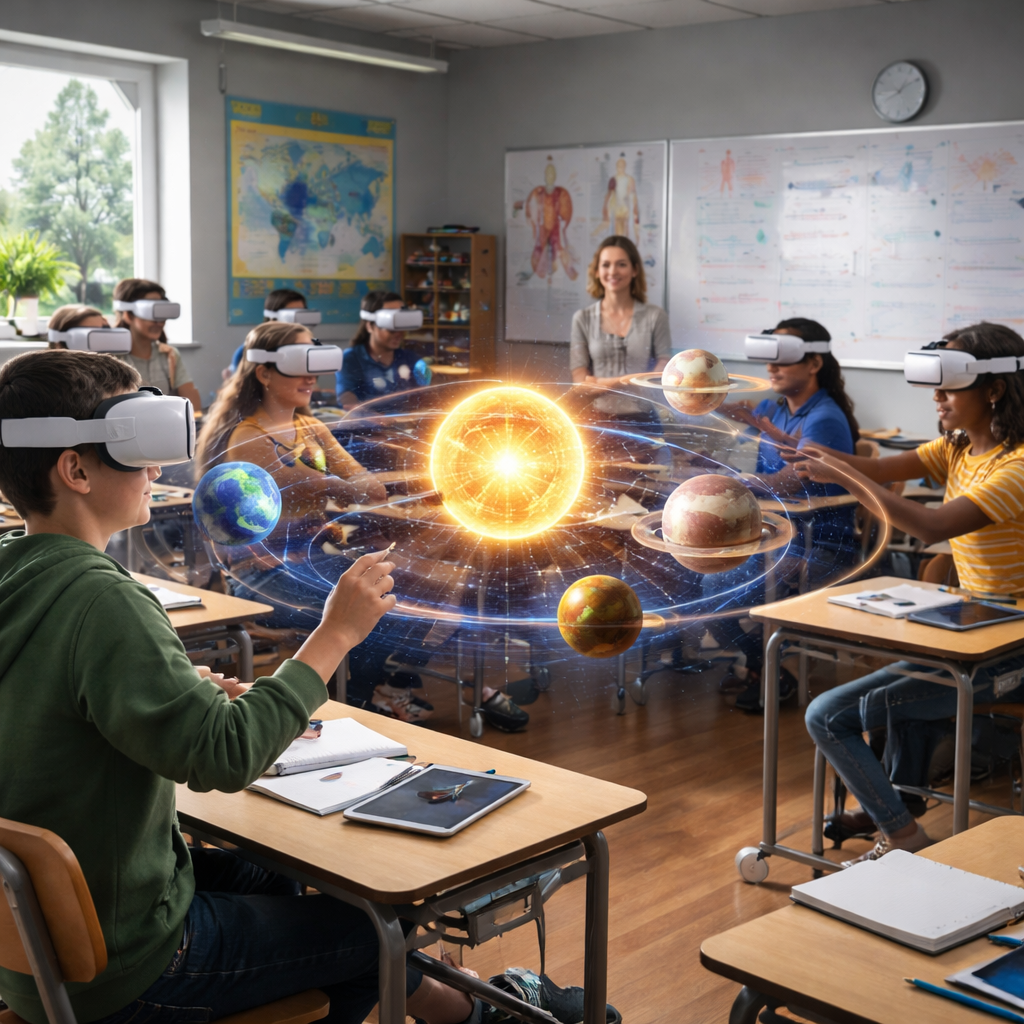
Comparing VR vs Traditional Classroom Methods
When you wonder about the VR Future of Education, the best way to decide is to compare it side by side with the old ways. The numbers from VirtualSpeech give us a solid base.
| Aspect | Traditional Classroom | VR Learning |
|---|---|---|
| Engagement | Materials, labs, and instructor time. | High – immersive scenes keep eyes on task. |
| Retention | Average 40% after a week. | Up to 75% when senses are fully engaged. |
| Training Time | Weeks for complex skills. | Hours or days; up to 75% faster. |
| Cost per Learner | Materials, labs, instructor time. | Upfront headset cost, then cheap repeats. |
| Accessibility | Physical labs may limit some students. | Virtual labs can be tailored for SEND. |
Look at the data: VR learners report feeling 3.75 times more emotionally connected. That boost in feeling leads to better recall. In a math class, students who manipulate a 3‑D shape in VR solve problems 20% faster than peers who draw on paper.
But VR isn’t a magic wand. Traditional methods still shine for discussion, writing, and quick feedback. You’ll get the best results by mixing both. Use VR for concepts that need visual depth, then bring the class back to a whiteboard for reflection.
Tips for a blended approach:
- Start each unit with a short VR demo to spark curiosity.
- Follow up with a group discussion to cement ideas.
- Assign a reflective journal where students note what they saw.
And remember, you can track progress with the teacher dashboard in most VR platforms, letting you see which students need extra help.
For more on VR stats, see the second VirtualSpeech article.
Practical Steps to Implement VR in Your Curriculum
So you’ve asked, Is VR the Future of Education and you’ve seen the benefits. Now let’s get practical. Here’s a step‑by‑step plan you can follow this semester.
1. Assess Needs and Goals
Ask yourself: Which topics are hardest for students? Which could be visualized? Write down two or three clear goals, like “Boost retention in anatomy” or “Increase engagement in world history.”
2. Choose the Right Hardware
Standalone headsets like Quest 2 cost under $300 and need no PC. If the budget allows, a classroom set of eight headsets gives you group work options. Check the price list on Takeaway Reality for the latest deals.
3. Pick Curriculum‑Aligned Content
Browse the libraries of ClassVR or Labster. Look for lessons that match your standards. Download the lesson plan, test it, and note any tweaks you need.
4. Train Teachers
Run a short workshop. Show how to launch a lesson, monitor students, and troubleshoot common issues like motion sickness. Many vendors offer free webinars.
5. Pilot with a Small Group
Start with one class or a single unit. Collect feedback from students and teachers. Use a simple survey: “Did the VR part help you understand?” Adjust based on answers.
6. Scale Up
When the pilot shows better scores, roll out to more subjects. Use the data from the teacher dashboard to show administrators the ROI.
Actionable checklist:
- Set a budget: headset cost + content subscription.
- Schedule a tech check the day before each VR lesson.
- Create a backup plan in case a headset fails.
And remember to keep hygiene in mind. Use disposable headset covers and clean lenses after each class.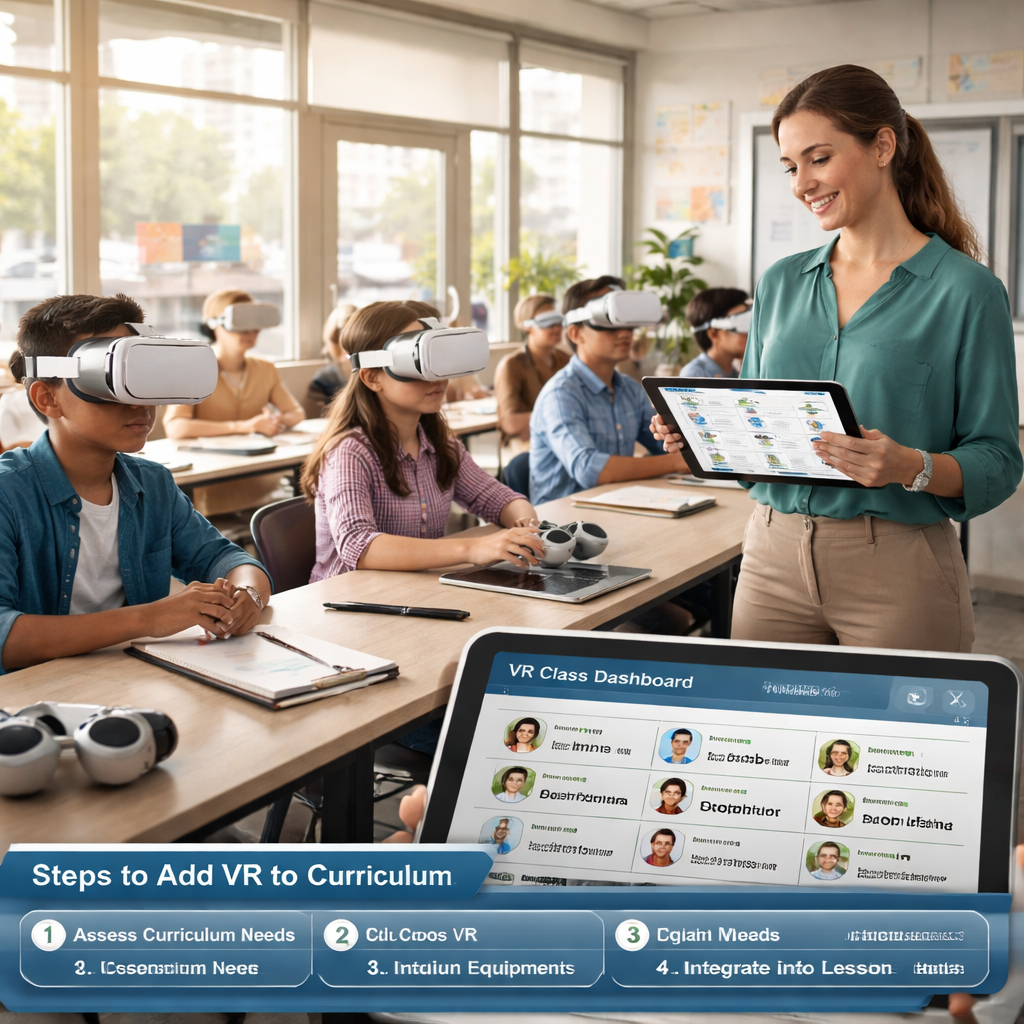
Challenges, Costs, and Future Trends in VR Education
Answering, is VR Future of Education also means facing the hurdles? The market is growing fast—Mordor Intelligence reports a value of $31.28 billion in 2025 and expects $95.28 billion by 2031. But growth brings challenges.
Cost Barriers
Headsets still cost $250‑$300 each. A school of 200 students needs about 40 units for group work, which means a $12,000 upfront spend. Subscription services add $10‑$20 per student per year. However, the same report notes that service‑based models are rising, letting schools pay per seat instead of buying hardware.
Content Gaps
Many VR apps focus on games, not curriculum. Teachers spend time hunting for lessons that meet standards. Partnerships like Pearson–XR are starting to fill the gap, but the library is still small for subjects like literature or social studies.
Teacher Training
Surveys show that many educators feel unprepared. A common worry is motion sickness. Simple steps—short sessions, proper headset fit, and a calm environment—reduce the risk.
Future Trends
Program‑ACE notes that by 2026, VR is moving from pilot projects to stable tools. Expect more AI‑driven content that adapts to each learner’s pace. Standalone headsets will become even lighter, and cloud‑based management will let IT teams roll out updates without touching each device.
What should you watch for?
- AI‑personalized lessons that change difficulty on the fly.
- Mixed‑reality headsets that blend real objects with virtual ones.
- More affordable bulk‑purchase programs from manufacturers.
To keep up, join educator forums, attend VR webinars, and read the latest market reports from Mordor Intelligence and Program‑ACE. These sources will help you plan budgets and spot new tools before they become mainstream.
Conclusion
So, is VR the future of Education? The evidence points to a strong “yes.” VR lifts engagement, boosts retention, and shortens training time. It also opens doors for students who need visual or hands‑on learning. The costs are coming down, and the market is set to grow fast. Yet you still need solid content, teacher training, and a clear rollout plan.
If you’re ready to try, start small, use the checklist above, and track your results. The right mix of VR and classic teaching can give your students the best of both worlds. And when you see the spark in their eyes, you’ll know the effort was worth it.
Want more ideas on how to make learning fun? Explore About Young People – Practical Answers to Your Questions for tips on study habits, stress relief, and tech tools for students.
FAQ
What budget do I need to start a VR program in a high school?
Start with a pilot budget of about $5,000 to $8,000. This covers eight Quest 2 headsets ($250 each), a basic subscription to a content library ($10 per student for 30 students), and cleaning supplies. Look for education discounts from vendors and apply for local grant programs. Track the pilot’s impact on test scores to justify a larger spend later.
How can I align VR lessons with state standards?
First, map your learning objectives to the standards. Then browse the VR platform’s library for modules tagged with those objectives. Most providers, like ClassVR, list the standards each lesson meets. If a module isn’t a perfect fit, use the teacher dashboard to add supplemental worksheets that tie the virtual experience back to the required outcomes.
What are the best practices to avoid motion sickness?
Keep sessions under 10 minutes for first‑time users. Choose experiences with steady camera movement and high frame rates. Make sure the headset fits snugly but not too tightly, and provide a “break button” so students can pause if they feel uneasy. Encourage students to sit while using VR for the first few lessons.
Can VR help students with special needs?
Yes. VR can offer sensory‑controlled environments that reduce distractions. Platforms like ClassVR include content designed for SEND learners, with adjustable difficulty and guided prompts. Use headset hygiene covers and allow the student to set the pace. Pair VR with a support teacher who can monitor the student’s reactions in real time.
How do I measure the impact of VR on learning outcomes?
Use a pre‑test/post‑test model. Give students a short quiz before the VR lesson, then repeat it afterward. Track scores and compare the average gain to a control group that used a traditional method. Most VR dashboards also provide usage data—time spent, completed tasks, and engagement ratings—that you can add to your report.
What future trends should I watch for in VR education?
Watch for AI‑driven adaptive lessons that change difficulty based on learner performance. Also expect mixed‑reality headsets that let students interact with real objects while seeing virtual overlays. Finally, keep an eye on subscription bundles that include analytics, content updates, and device management—all in one package.
Is VR suitable for subjects like literature or language arts?
While VR shines in science and history, it can also boost language arts. Use virtual worlds to set a story scene—like a Victorian street or a futuristic city—and have students write narratives based on what they see. The immersive context fuels imagination and can improve descriptive writing scores.
Where can I find more resources on setting up VR in schools?
Visit the ClassVR resource hub for lesson plans and teacher guides. You can also explore the free webinars on the ClassVR website. For budgeting tips, read the market analysis on Mordor Intelligence. These sources give practical steps you can apply right away.
Additional reading on related tech:
- Everything You Need to Know About 360 Video Booth Rental
- How to Choose the Perfect Prom Photo Booth Rental for an Unforgettable Night
- Photo Booth Rental for Graduation Party: A Step-by-Step Guide
- Birthday Party Photo Booth Rental Guide for 2026
- How to Choose the Perfect Wedding Photo Booth Rental: A Step‑by‑Step Guide
- Mirror Photo Booth Rental: 7 Must‑Know Tips for an Unforgettable Event
- Photo Booth Rental Murrieta: A Complete Guide for 2026 Events
- How to Choose the Best Corporate Event Photo Booth Rental for Your Business
- Your Complete Guide to Photo Booth Rental San Diego
- Your Complete Guide to Photo Booth Rental Temecula for Unforgettable Events