
Screen Time and Mental Health
Learn how screen time affects mental health, sleep, stress, and focus, plus simple tips like app limits, screen-free zones, and bedtime breaks.

Screen time is pulling us in 24/7, and most young people feel the pressure to stay connected.
That constant glow can mess with your mood, sleep, and even how you think about yourself. You might notice you’re more irritable after scrolling, or that you can’t fall asleep because your brain is still buzzing.
Here’s a quick way to see the link: every time you pick up your phone, your brain flips from one tiny task to the next. That “task‑switching” steals focus and spikes stress hormones. Over weeks, that adds up to a slump in mental health.
What can you do right now? Try a simple “screen‑free hour” before bed. Put your phone on silent, grab a book, or write in a journal. Notice how your mind slows down and the room feels calmer.
If you’re juggling classes and social media, set clear limits on each app. Setting healthy boundaries: a guide for teen friendships shows how small limits can protect both friendships and your own headspace.
Don’t forget your eyes. Long screens can cause digital eye strain, leading to headaches and blurry vision. A quick check‑up with an eye health professional like Dr. Rahul Dubey can catch problems early and give you tips on keeping your sight sharp.
Start with one habit today: choose a 30‑minute window when you put the phone away, write down how you feel, and repeat. Small steps add up, and soon you’ll feel clearer-headed and less tied to the screen.
Try tracking your screen use with the built‑in tool on your phone. Set a daily limit, and when you hit it, switch to a non‑screen activity like a walk or a sketch. Review the log each week and notice any shifts in mood or energy.
Understanding the Impact of Screen Time on Mental Well‑Being
Every hour you stare at a screen, your brain works harder than you think. It flips from one tiny task to the next, and that constant jump‑start spikes stress hormones.
Those spikes aren’t just a fleeting buzz. Over days, they can make you feel on edge, cranky, or drained. It’s why a quick scroll can leave you more tense than a tough exam.
Do you ever wonder why you feel foggy after a binge‑watch session? The answer lies in how screen time messes with your attention and mood. It hijacks the part of the brain that helps you stay calm.
One easy way to break the cycle is to use a printable screen‑time journal. You can grab a ready‑made version here and fill it in a few minutes each night. Seeing the minutes add up makes it real, and the act of writing slows the brain.
Better sleep is another big win. When you put the phone away an hour before bed, your mind stops racing. You’ll notice you fall asleep faster and wake up feeling clearer.

Start small: pick a 15‑minute window after class to log how you feel. Track mood, focus, and energy. Over a week, you’ll see patterns and can tweak your habits. Little changes add up to a calmer, sharper mind.
How to Set Healthy Screen Time Limits
First, look at your phone’s screen‑time report. See which apps eat most minutes. Write the top three down. This gives you a clear picture.
Next, set a daily cap. Start with two hours total, then split it by app type: 30 minutes for socials, 45 minutes for videos, and the rest for school work. Most phones let you lock each app once the limit is hit.
When the alarm sounds, don’t just stare at the lock screen. Have a ready‑made swap ready. A short walk around your dorm, a quick sketch, or a 5‑minute journal entry works well. The key is to move the brain away from the glow.
Tip: Make a family or roommate pact. Everybody writes their limits on a shared board. You hold each other accountable. It feels less like punishment and more like a team game.
Here’s a simple checklist you can copy:
- Open screen‑time settings.
- Note the top three time‑sucking apps.
- Set a total daily limit (e.g., 2 hrs).
- Assign sub‑limits per app type.
- Choose a non‑screen activity for each alarm.
- Track progress each night.
Need ideas for non‑screen breaks? Lyndsey Crawford Publishing offers kid‑friendly picture books that make a quiet reading hour feel like an adventure.
Also, if you’re curious how a phone can distract you in class, check out Your Phone in Class: Ultimate Distraction or Secret Weapon? for tips on staying focused.
Finally, review your limits each weekend. If you hit the cap early, ask yourself why; maybe a new game is pulling you in. Tweak the sub‑limits by five minutes up or down. Small tweaks keep the habit realistic and avoid feeling like a strict rule.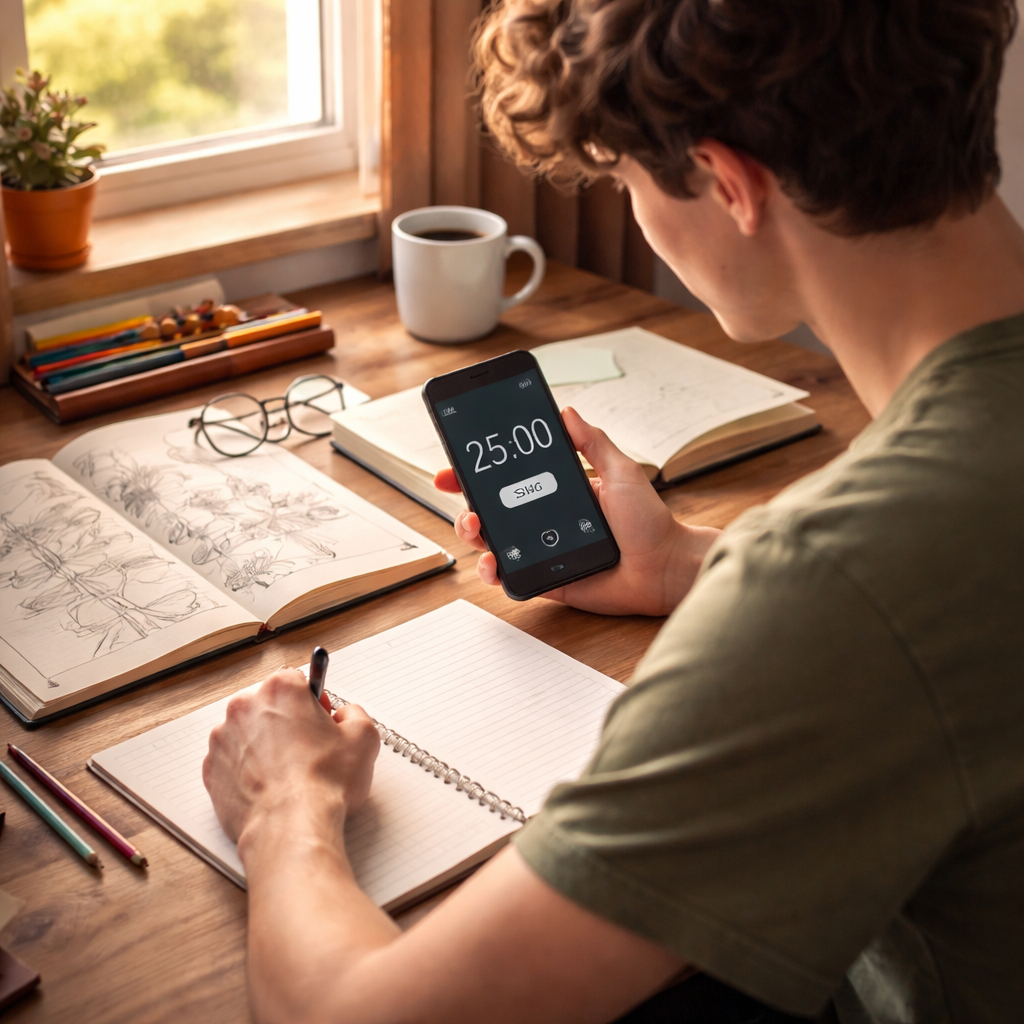
Stick with the plan for at least two weeks. You’ll notice less eye strain, steadier mood, and more free time for hobbies. When the habit sticks, the mental‑health boost follows naturally.
Practical Strategies to Reduce Screen‑Related Stress
Too much screen time messes with your mood and focus. The good news is you can break the cycle with small, real steps.
Set tiny time goals
Look at your phone’s usage report and pick one app that eats the most minutes. Cut its limit by 10 minutes this week. When the alarm rings, you already know what to do next, no guesswork.
Use the 20‑20‑20 rule.
Every 20 minutes, glance at something 20 feet away for 20 seconds. It relaxes eye muscles and cuts the risk. Set a timer or use the built-in eye care reminder on many phones.
Create screen‑free zones
Choose two spots in your home where devices stay away, like the dinner table and the bedroom. Let friends and roommates know the rule so they back you up. You’ll find conversations flow more easily, and sleep improves.
What about social media? A quick audit can show which accounts bring you joy and which just add noise. Unfollow the noisy ones and set a single check-in time, like after lunch.
These ideas match advice from health experts who say short breaks and clear boundaries lower stress and anxiety, according to Scripps Health tips. Try one tip today and add another tomorrow; the habit builds itself.
| Strategy | How to Do It | Quick Win |
|---|---|---|
| Mini time caps | Reduce one app by 10 min each week | See extra minutes appear in your day |
| 20‑20‑20 rule | Ban phones at dinner and in the bedroom | Fewer eye strains |
| Screen‑free zones | Ban phones at dinner and bedroom | Better talks, easier sleep |
Schedule screen‑free blocks in your day. Pick a 30‑minute slot after class or work and do something hands‑on like sketch, play a board game, or bake. Mark it on your calendar so it feels as real as a meeting. When the time rolls around, you’re already set.
Blue‑light filters help your brain wind down at night. Turn on the night‑mode setting or slip on cheap blue‑light glasses if you must scroll after dinner. The change cuts the wake‑up signal and makes it easier to drift off.
Start small, stay consistent, and you’ll feel the mental‑health lift without a huge overhaul.
Remember, the goal isn’t perfection; it’s a steadier mind and a brighter day.
Conclusion
Screen time and mental health are tightly linked, and you’ve just seen why tiny tweaks can make a big difference. By setting clear limits, adding short eye breaks, and carving out screen‑free zones, you protect your mood and give your brain space to reset.
Remember the 20‑20‑20 rule, the mini time caps, and the habit of swapping a phone check for a quick walk or a sketch. Those actions cost almost nothing but pay off in clearer focus, steadier sleep, and less eye strain.
So, what’s the next step? Pick one habit from the list and try it tomorrow. Write down how you feel after the day ends. If it feels right, add another habit the following week. Small, consistent moves add up faster than a big overhaul.
Because you’re part of a generation that lives online, it’s okay to be mindful instead of rigid. The goal isn’t to quit screens entirely, but to shape their use so they serve you, not the other way around.
Looking for more practical advice that fits your busy schedule? Check out About Young People. The platform offers quick guides and answers that match the challenges you face every day.
Take the first step tonight: turn on a blue‑light filter, set a timer for 20 minutes, and step away. Your mind will thank you, and you’ll be one step closer to a calmer, clearer day.
If you slip up, don’t beat yourself up. Reset tomorrow and keep the momentum going toward better health.
Make a habit of checking in with a friend once a week about your screen goals; accountability boosts success.
FAQ
What is the link between screen time and mental health?
Long stretches on a phone or computer can push out sleep, exercise, and face‑to‑face talk. Those missing pieces are key to a stable mood. When you swap even a few minutes of scrolling for a walk or a chat, you give your brain a break and help keep anxiety low. The pattern repeats: less screen, steadier mind.
How many minutes of screen time are too many for a teen?
There isn’t a one‑size‑fits‑all number, but most health guides suggest keeping daily recreational use under two hours. If you notice you’re irritable, having trouble sleeping, or your eyes feel sore, that’s a sign you’ve crossed the line. Try tracking your use for a week, then cut back enough to feel calmer.
What simple habit can I start tonight to protect my mental health?
Turn on your phone’s night mode or a blue‑light filter right now. Set a timer for 20 minutes, then put the device away when it rings. Use those 20 minutes for a quick stretch, a page of a book, or just looking out the window. The short break signals your brain to wind down, making it easier to fall asleep.
Can a screen‑free zone at home really help?
Yes. Pick two spots—like the dinner table and your bedroom—where phones stay off. When friends or roommates know the rule, it feels normal rather than a chore. You’ll notice conversations flow more smoothly at meals, and your sleep improves because the bedroom stays a rest‑only space.
How often should I review my screen‑time limits?
Give yourself a weekly check‑in. Look at the report your phone builds, note any apps that kept pulling you in, and adjust the caps by five‑minute chunks. If you hit a limit early, ask why—maybe a new game is too tempting. Small tweaks keep the plan realistic and stop it from feeling like a strict rule.
Is it okay to slip up and use my phone more than planned?
Absolutely. One night of extra scrolling won’t ruin your progress. The trick is to notice the slip, forgive yourself, and reset tomorrow. Treat each day as a fresh chance to stick to your limits. Over time, the habit of bouncing back builds resilience and keeps your mental health on track.